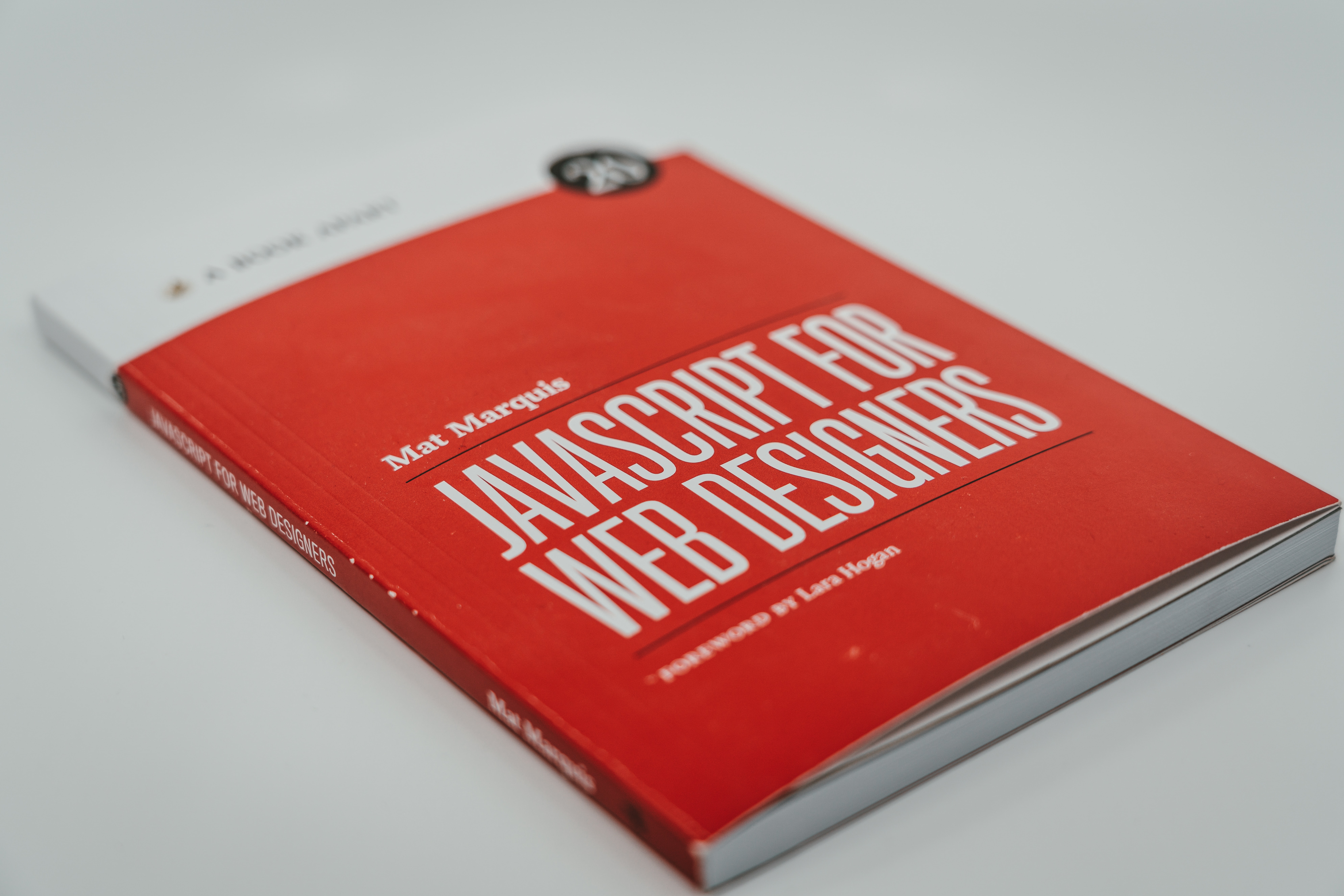
Understanding Javascript
Thanga Mariappan PandianSenior Architect
4 min read
Mar 07, 2026
Javascript Basics
Including JavaScript in an HTML Page
<script type="text/javascript">
//JS code goes here
</script>
Call an External JavaScript File
<script src="myscript.js"></script><code></code>
Including Comments
//
Single line comments
/* comment here */
Multi-line comments
Variables
var, const, let
var
The most common variable. Can be reassigned but only accessed within a function. Variables
defined with var move to the top when code is executed.
const
Cannot be reassigned and not accessible before they appear within the code.
let
Similar to const, however, let variable can be reassigned but not re-declared.
Data Types
var age = 23
Numbers
var x
Variables
var a = "init"
Text (strings)
var b = 1 + 2 + 3
Operations
var c = true
True or false statements
const PI = 3.14
Constant numbers
var name = {firstName:"John", lastName:”Doe"}
Objects
Objects
var person = {
firstName:"John",
lastName:"Doe",
age:20,
nationality:"German"
};
Arrays
var fruit = ["Banana", "Apple", "Pear"];
Array Methods
concat()
Join several arrays into one
indexOf()
Returns the first position at which a given element appears in an array
join()
Combine elements of an array into a single string and return the string
lastIndexOf()
Gives the last position at which a given element appears in an array
pop()
Removes the last element of an array
push()
Add a new element at the end
reverse()
Reverse the order of the elements in an array
shift()
Remove the first element of an array
slice()
Pulls a copy of a portion of an array into a new array of 4 24
sort()
Sorts elements alphabetically
splice()
Adds elements in a specified way and position
toString()
Converts elements to strings
unshift()
Adds a new element to the beginning
valueOf()
Returns the primitive value of the specified object
Operators
Basic Operators
+ Addition
- Subtraction
* Multiplication
/ Division
(..) Grouping operator
% Modulus (remainder)
++ Increment numbers
-- Decrement numbers
Image and multimedia
Comparison Operators
== Equal to
=== Equal value and equal type
!= Not equal
!== Not equal value or not equal type
> Greater than
< Less than
>= Greater than or equal to
<= Less than or equal to
? Ternary operator
Logical Operators
&& Logical and
|| Logical or
! Logical not
Bitwise Operators
& AND statement
| OR statement
~ NOT
^ XOR
<< Left shift
>> Right shift
>>> Zero fill right shift
Functions
function name(parameter1, parameter2, parameter3) {
// what the function does
}
Outputting Data
alert()
Output data in an alert box in the browser window
confirm()
Opens up a yes/no dialog and returns true/false depending on user click
console.log()
Writes information to the browser console, good for debugging purposes
document.write()
Write directly to the HTML document
prompt()
Creates an dialogue for user input

Global Functions
decodeURI()
Decodes a Uniform Resource Identifier (URI) created by encodeURI or similar
decodeURIComponent()
Decodes a URI component
encodeURI()
Encodes a URI into UTF-8
encodeURIComponent()
Same but for URI components
eval()
Evaluates JavaScript code represented as a string
isFinite()
Determines whether a passed value is a finite number
isNaN()
Determines whether a value is NaN or not
Number()
Returns a number converted from its argument
parseFloat()
Parses an argument and returns a floating point number
parseInt()
Parses its argument and returns an integer
Loops
for (before loop; condition for loop; execute after loop) {
// what to do during the loop
}
for
The most common way to create a loop in Javascript
while
Sets up conditions under which a loop executes
do while
Similar to the while loop, however, it executes at least once and performs a check at the end to
see if the condition is met to execute again
break
Used to stop and exit the cycle at certain conditions
continue
Skip parts of the cycle if certain conditions are met
If Else Statements
if (condition) {
// what to do if condition is met
} else {
// what to do if condition is not met
}
More TechSheets
WebPerformanceFullStack
Mastering Modern Web Performance: Architecting for Sub-Second Latency
A comprehensive guide for full-stack architects on optimizing modern web applications using advanced rendering patterns, network protocols, and infrastructure strategies.
5 min read
ReactPerformance
Mastering React Performance: Render Orchestration and Advanced State Partitioning Patterns
Learn how to optimize large-scale React applications using state partitioning and render orchestration. Move beyond React.memo to build truly scalable front-end architectures.
6 min read
ReactAI
Beyond Try-Catch: Building Self-Healing Front-End Architectures with React and AI
Discover how to move beyond basic error boundaries to create self-healing UIs using React and AI-driven diagnostic agents. A deep dive into resilient front-end systems.
5 min read